








If you've ever tried to play music from YouTube Music on a speaker and expected lyrics to show up automatically—you probably noticed something's missing.
So here's the real question:
Do lyric speakers actually work with YouTube Music?
The answer is yes—but not in the way most people expect.
1. What YouTube Music Actually Supports (And What It Doesn't)
YouTube Music has made progress in lyrics—but it still has limitations.
What It CAN Do
- Displays lyrics inside the app
- Supports some real-time lyric scrolling
- Uses licensed providers like Musixmatch and LyricFind
According to industry reports, YouTube Music introduced "real-time lyrics" powered by these providers.
What It CANNOT Do
- Export lyrics to external speakers or displays
- Guarantee lyrics for every song
- Maintain consistent synchronization
In fact, some sources confirm:
Lyrics on YouTube Music are often not fully synced in real time
Why This Matters
Even if lyrics appear on your phone…
they usually don't transfer to external devices
That's the key limitation.
2. Why Lyric Speakers Don't Natively Work with YouTube Music
Most people assume:
"If YouTube Music shows lyrics, my speaker should too."
But here's the reality:
Lyric display requires 3 things:
- Timed lyric data
- External display access
- Real-time sync engine
YouTube Music only provides #1—and only inside its own app.
3. The Real Solution: How Lyric Speakers Actually Work
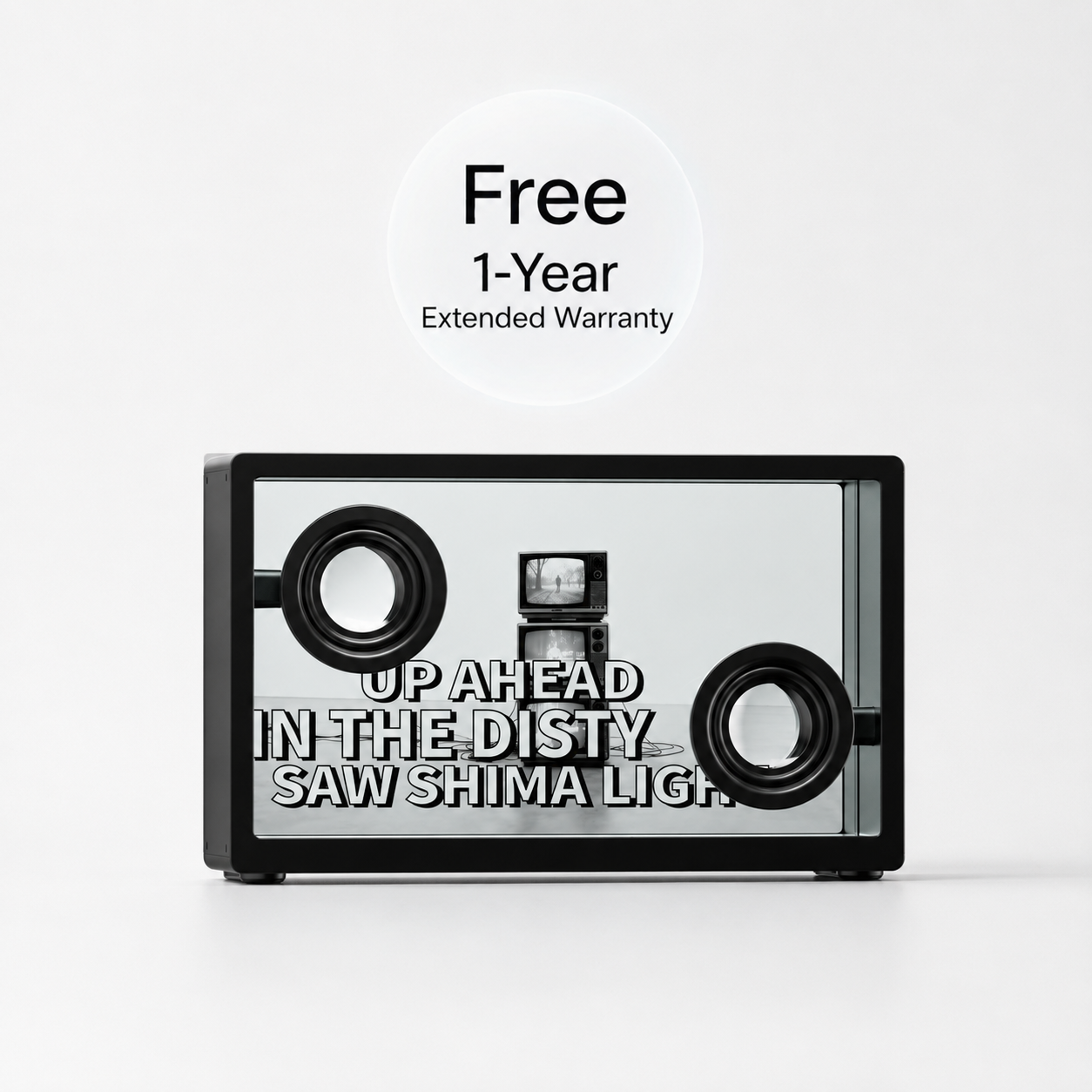
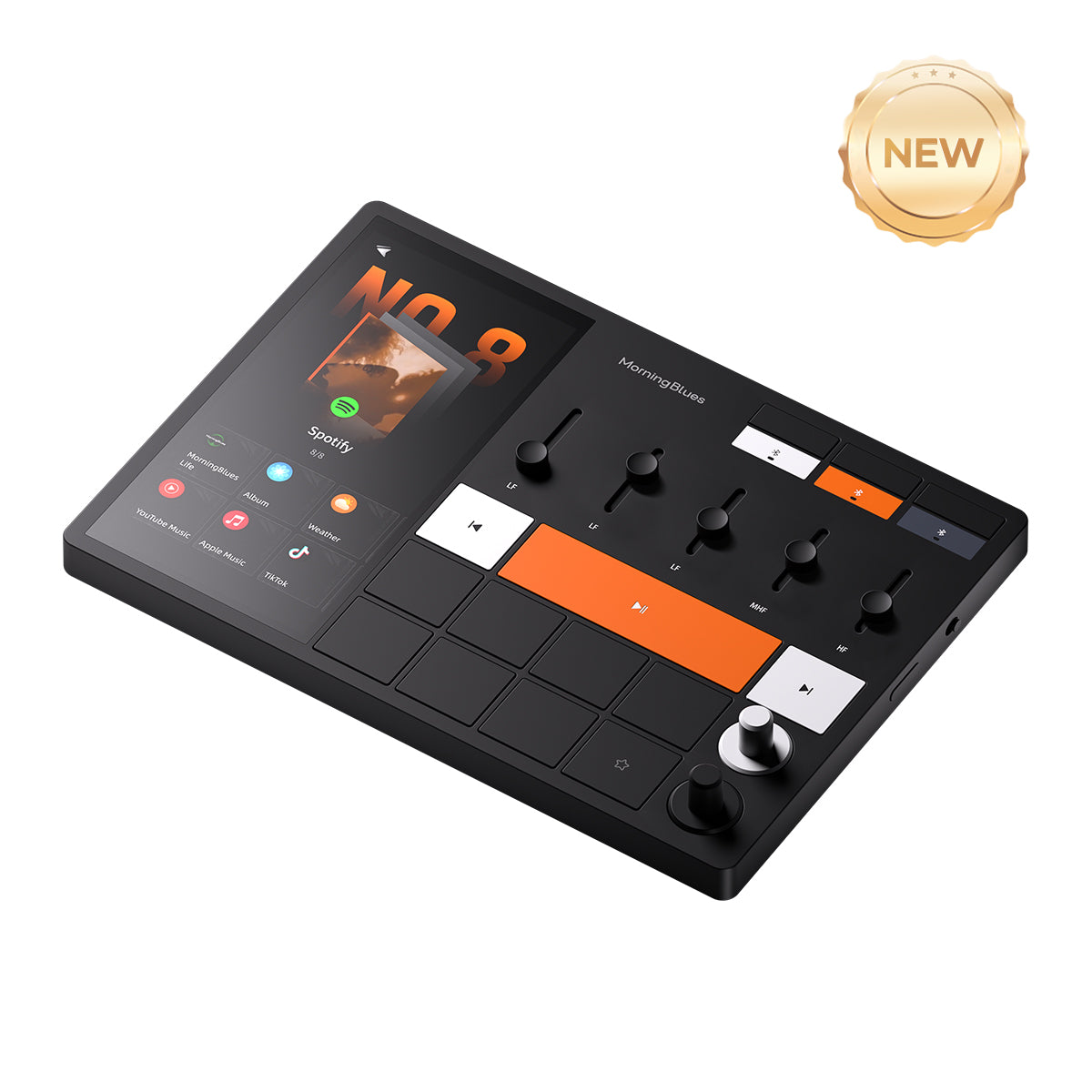
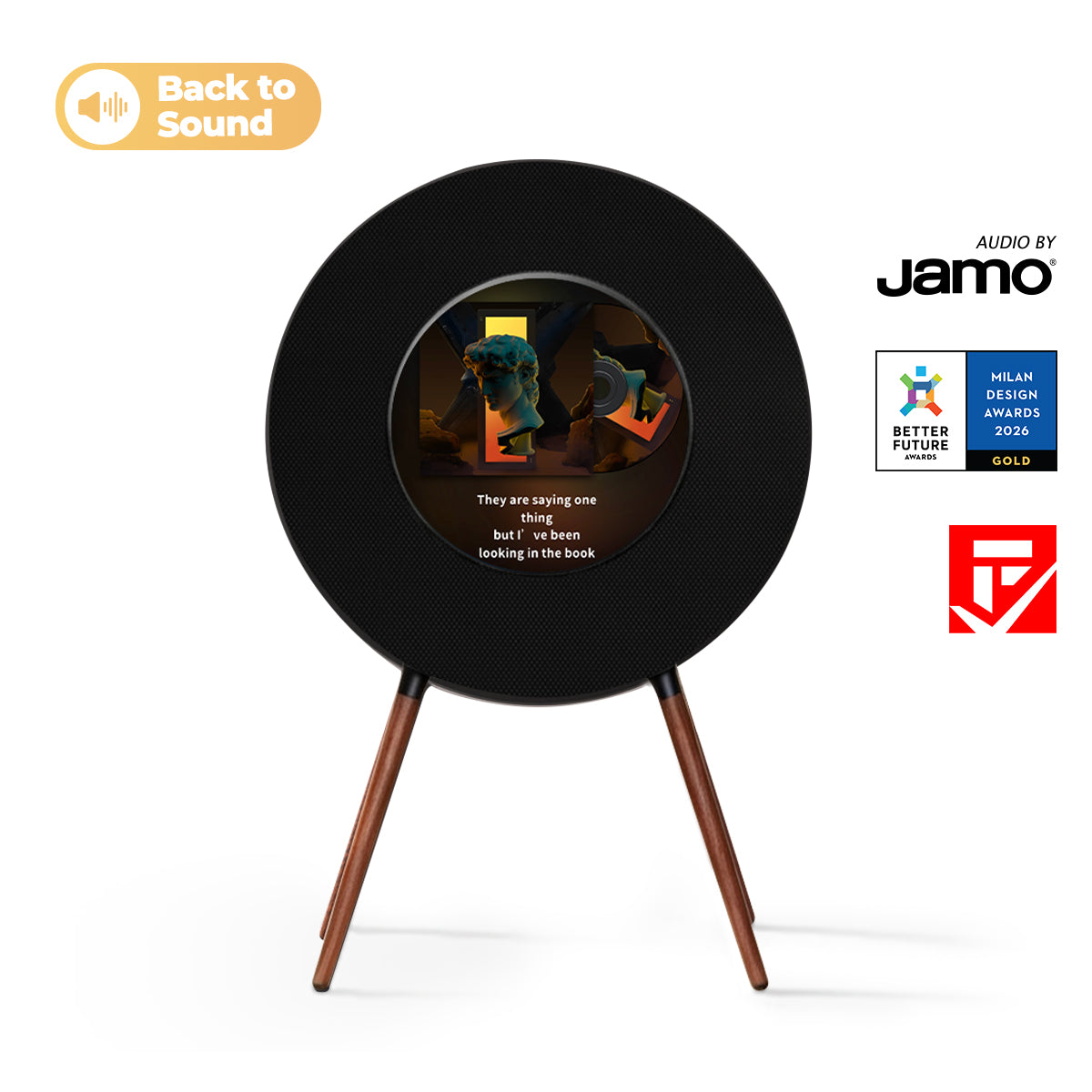
Modern lyric speakers (like MorningBlues) bypass this limitation entirely.
How It Works (Simple Breakdown)
- You play music on YouTube Music
- Audio streams via Bluetooth
- The speaker identifies the track
- Lyrics come from a licensed database
- Lyrics sync and display independently
Industry Evidence
Platforms like Musixmatch:
- Provide time-synchronized lyrics
- Work across multiple apps including YouTube Music
- Maintain one of the largest lyric databases globally
They even support:
- Floating lyrics overlays
- Cross-platform synchronization
they come from licensed lyric systems.
4. Where MorningBlues Changes the Experience
This is where most speakers fall short—and MorningBlues stands out.
Integrated Audiovisual Experience
MorningBlues combines:
- Real-time synchronized lyrics
- Dynamic visual effects reacting to music
- Built-in display + speaker system
You're not just listening anymore—you're watching music happen
Official Licensed Lyrics (Key Advantage)
MorningBlues has:
Acquired official licenses for all lyrics, out of respect for every creator
This means:
- Accurate lyrics
- Full song coverage
- Reliable synchronization
Designed as a Lifestyle Product
MorningBlues is not just a speaker—it's:
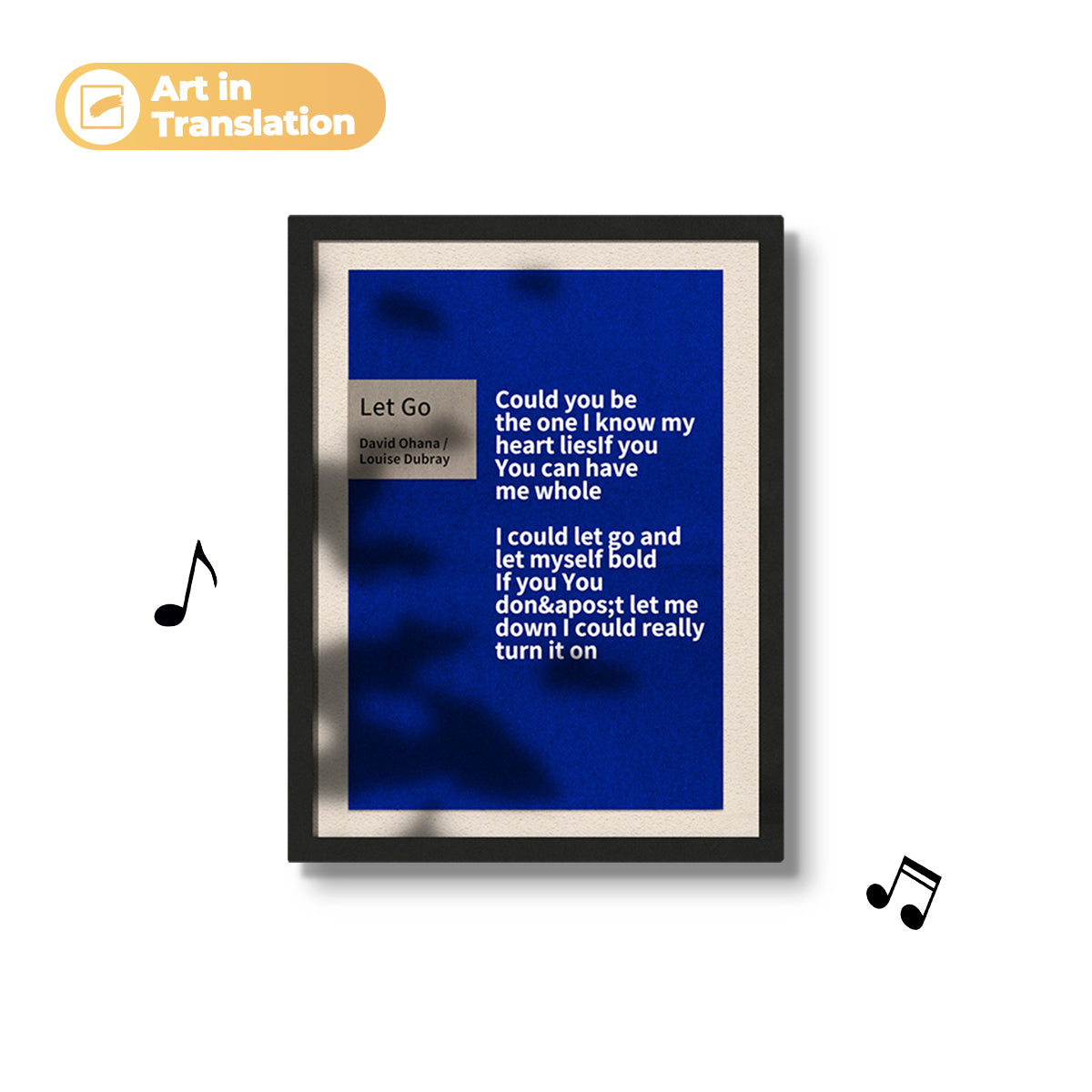
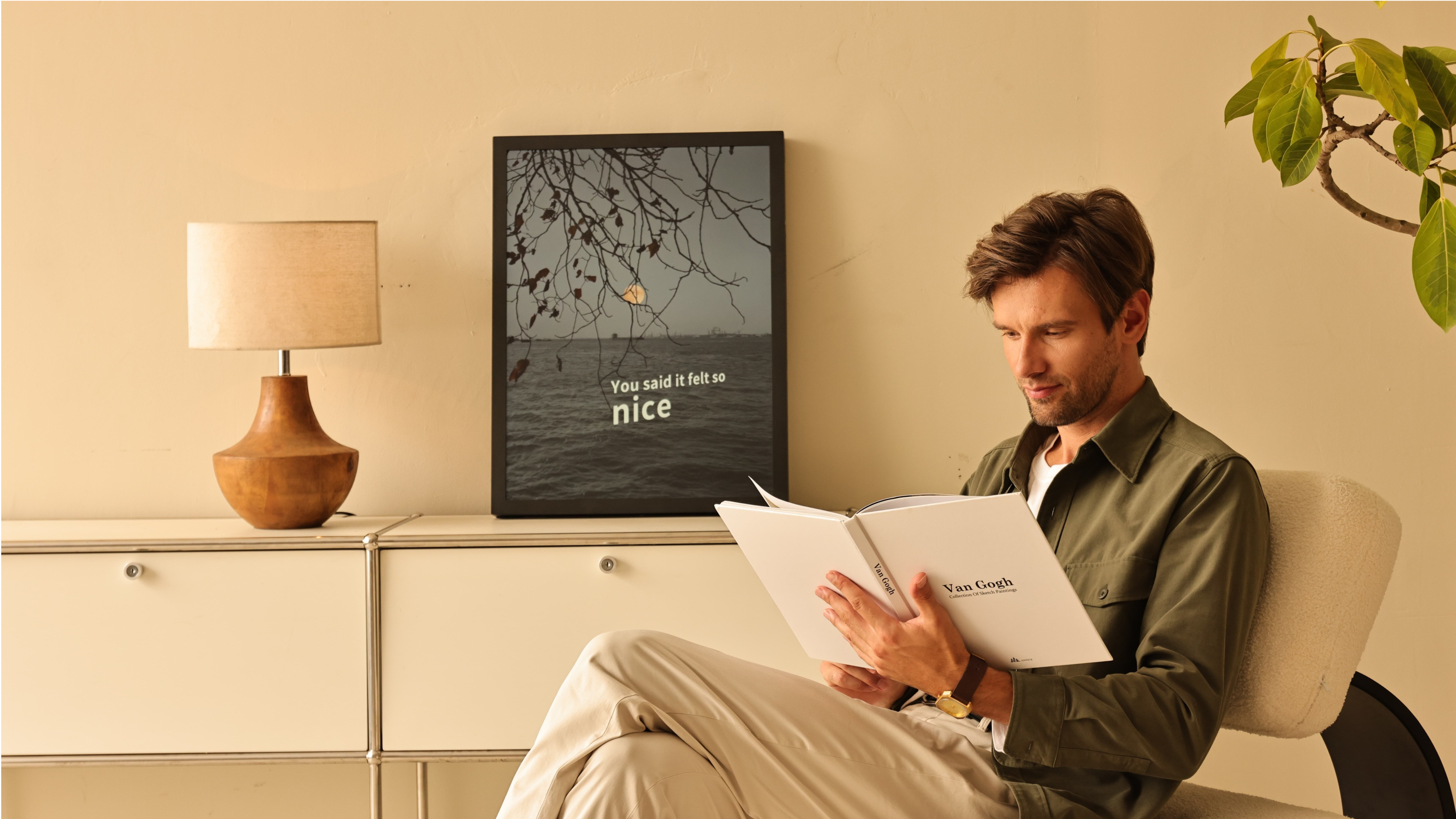
- A picture frame speaker
- A digital art display
- A home décor centerpiece
Even when music stops, it still adds value to your space.
Works With YouTube Music (Seamlessly)
- Play music as usual
- No extra setup
- No switching apps
The speaker handles everything else.
5. Real-Life Scenarios (Practical Solutions)
Scenario 1: You Use YouTube Music Daily
Problem:
- Lyrics inconsistent
- No external display
Solution:
- Use a lyric speaker with licensed lyric system
Scenario 2: You Cast Music to TV or Speaker
Problem:
- Lyrics disappear when casting
Solution:
- Use a speaker with built-in display
Scenario 3: You Want a More Immersive Experience
Problem:
- Music feels passive
Solution:
- Add synchronized lyrics + visuals
Result:
Music becomes something you see and feel
6. Common Questions (Clear Answers)
Q1: Can YouTube Music send lyrics to a speaker?
No.
Lyrics are limited to the app interface.
Q2: Why don't lyrics show when casting music?
Because casting transfers:
- Audio
- Lyrics
Q3: What's the best way to get synced lyrics with YouTube Music?
Use a system that:
- Has licensed lyrics
- Syncs independently from the app
Q4: Are YouTube Music lyrics reliable?
Partially.
- Some songs → synced
- Many → missing or static
Final Takeaway
YouTube Music is improving—but it's still not built for external lyric experiences.
The real breakthrough comes from systems that:
✔ Separate music playback from lyric display
✔ Use licensed lyric databases
✔ Deliver synchronized audiovisual experiences

Leave a comment
All comments are moderated before being published.
This site is protected by hCaptcha and the hCaptcha Privacy Policy and Terms of Service apply.