










All-in-One Lifestyle Audio Setup

Where premium sound, living art, and mindful comfort converge. R1, T2, and S1 are not just devices—they are an integrated ecosystem designed to transform your space into a responsive environment for music, art, and restorative calm.
Simple Setup. Zero Friction.
Plug in, Connect Bluetooth, Press play
All-in-One Lifestyle Audio Setup


Loved by Real People.
Honest reviews. Real spaces. Inspiring ideas.
The All-in-One Immersive Audio-Visual System
No complicated setup. No messy cables. No extra apps.
Just press play—and your space transforms.

One System. Everything You Need.
Forget traditional home theaters filled with bulky equipment and endless wiring.
This is a fully integrated experience designed for modern living.
- Ultra-short throw projection (just inches from the wall)
- Hi-fi stereo sound that fills the room
- Smart ambient lighting that sets the mood instantly
Everything works together—effortlessly.
Plug In. Pair Once. That’s It.
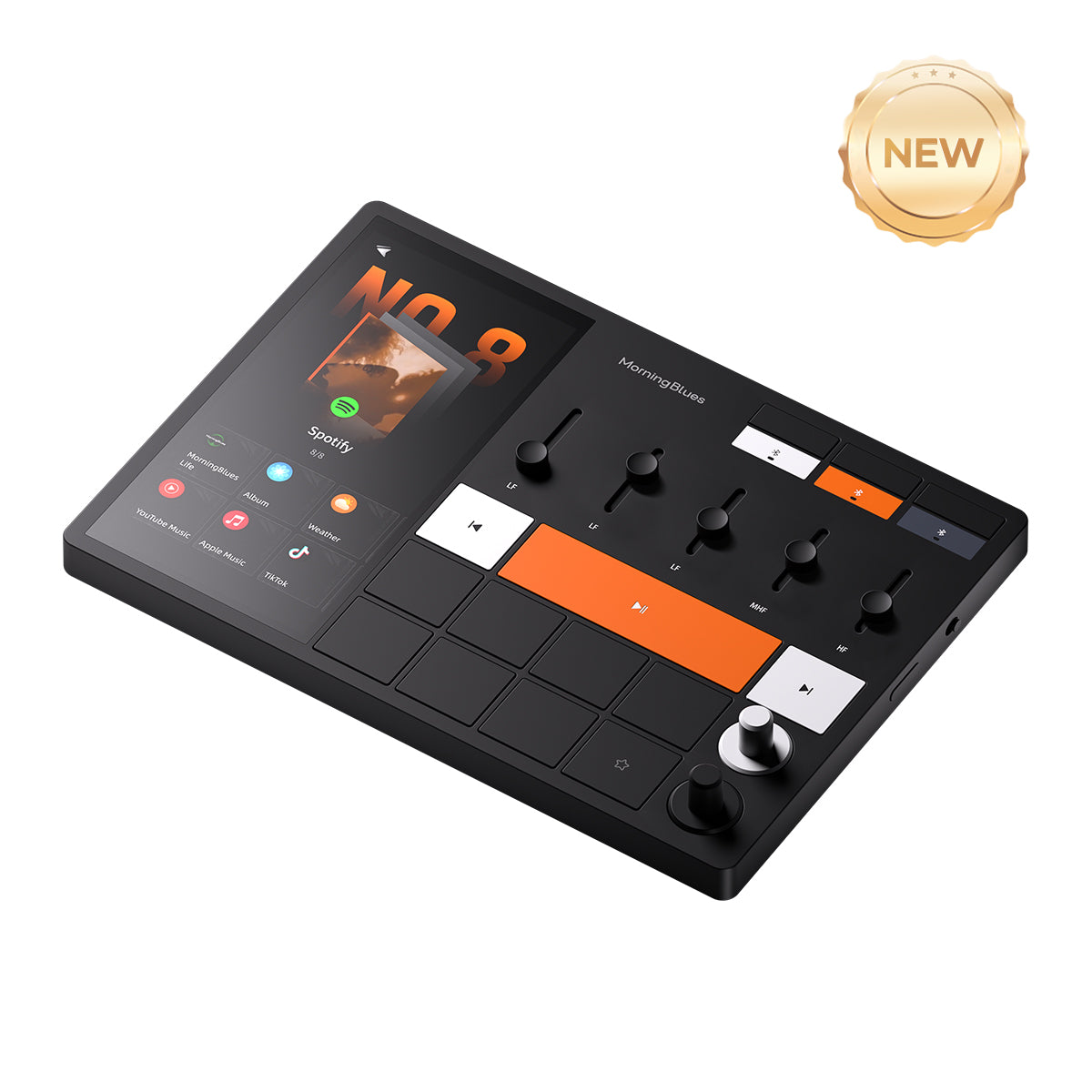
Just connect via Bluetooth and use the apps you already love—
like Spotify, Apple Music, or YouTube.


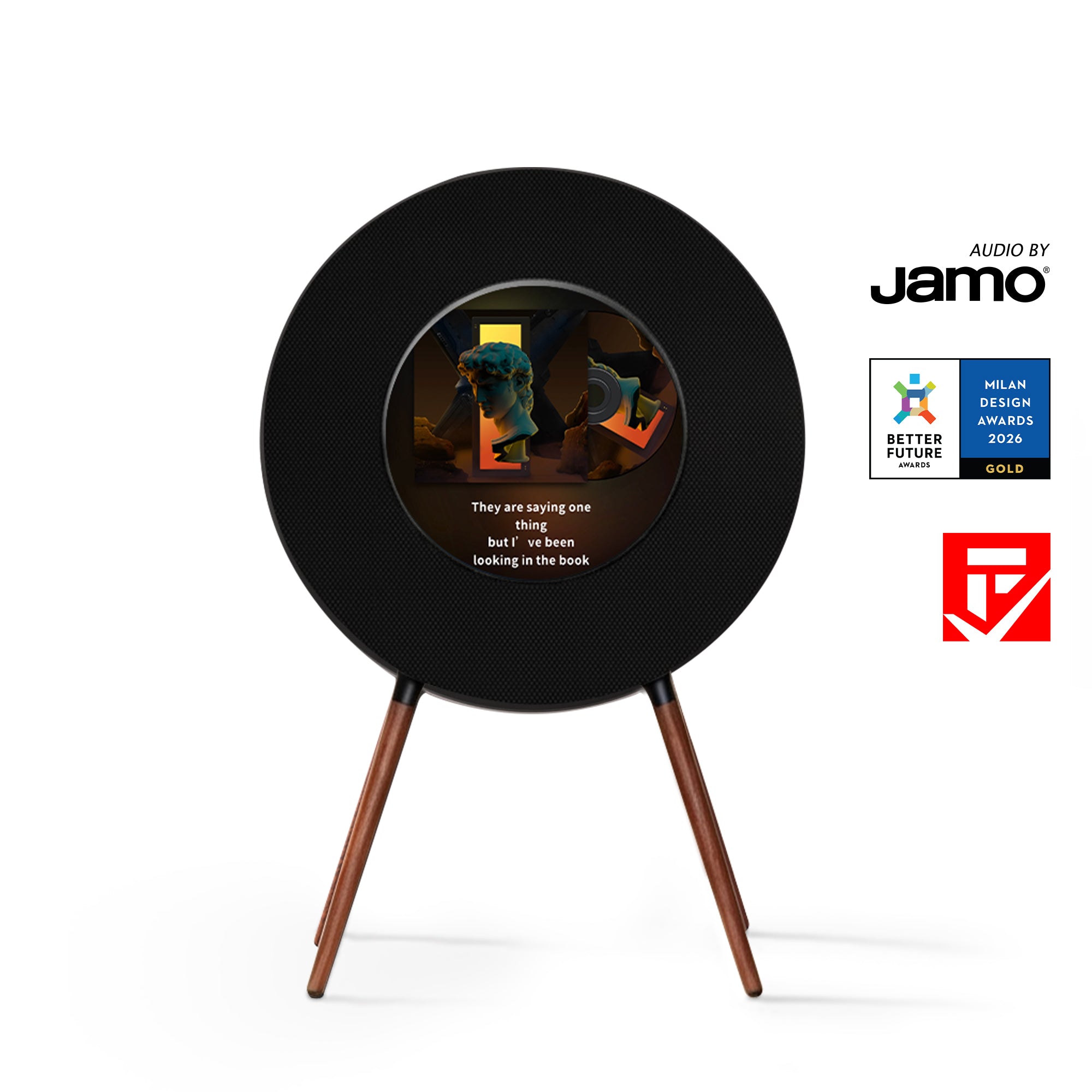
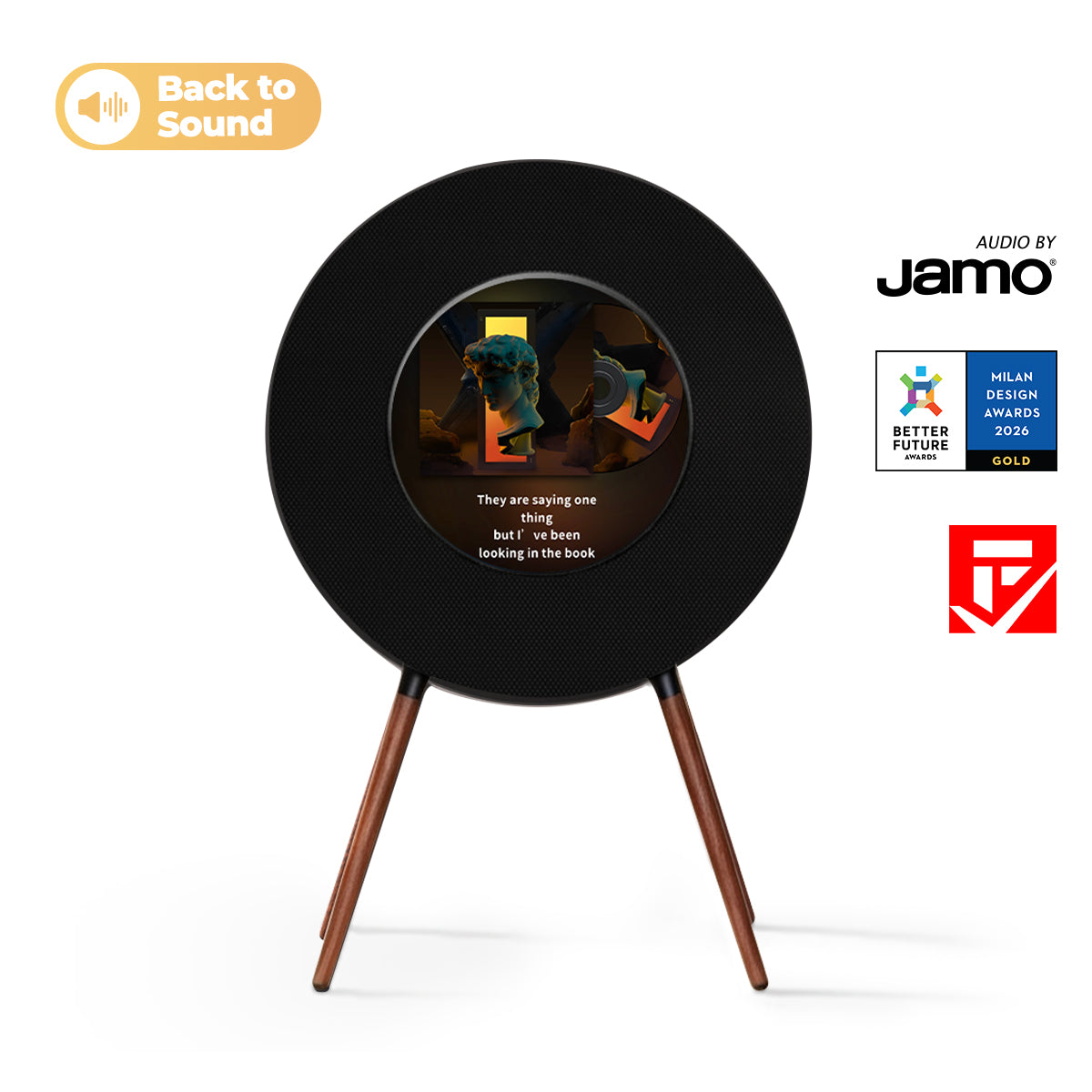
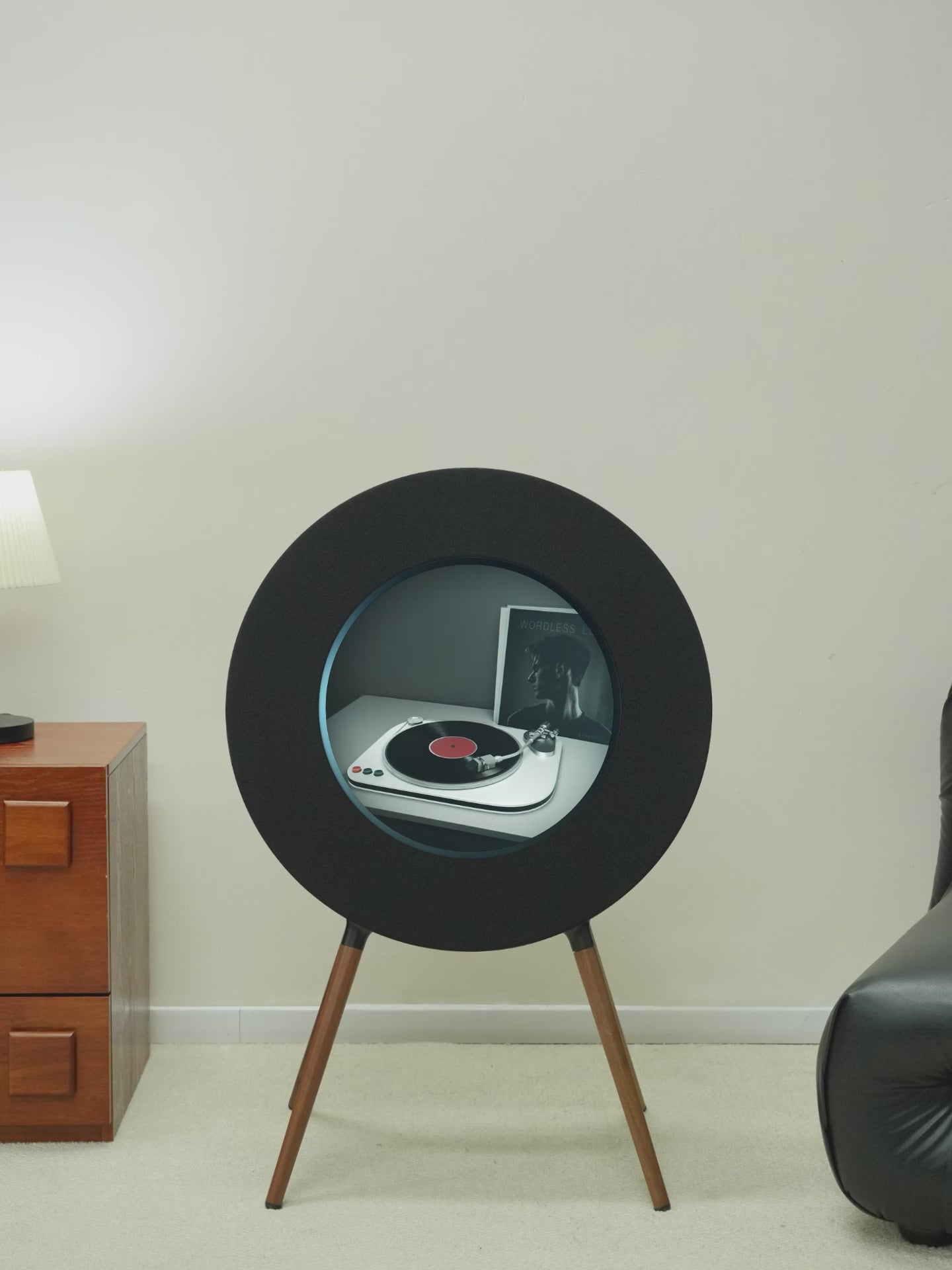
Record R1 Speaker
Music Lyrics Bluetooth Turntable Speaker


Anti-Glare Mirror Display for Day & Night Clarity

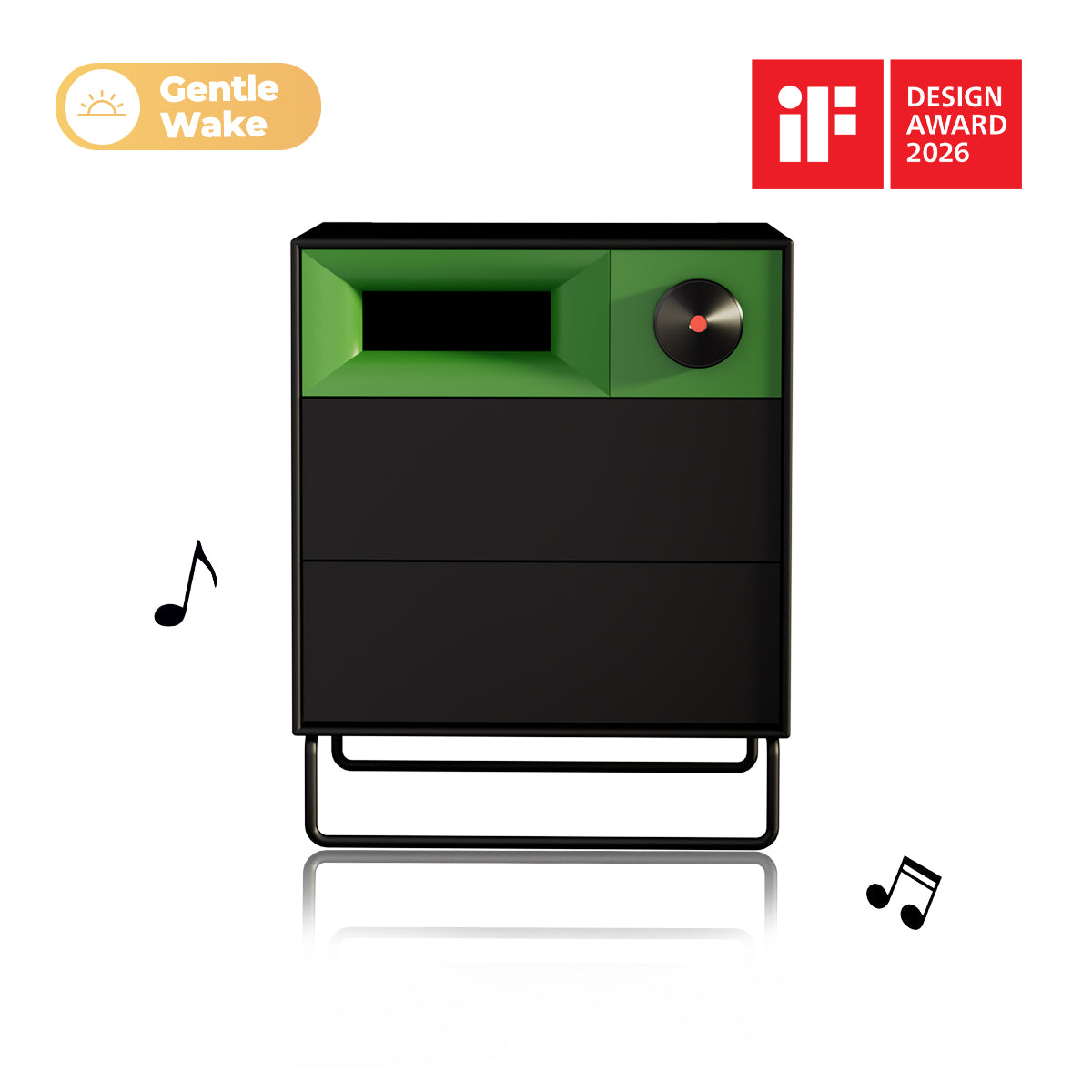
Gentle light + soft music from S1
A gentle glow and a gradual chime cut the heart-race of blast alarms. Pair your wake tune and meet the morning like a human again.

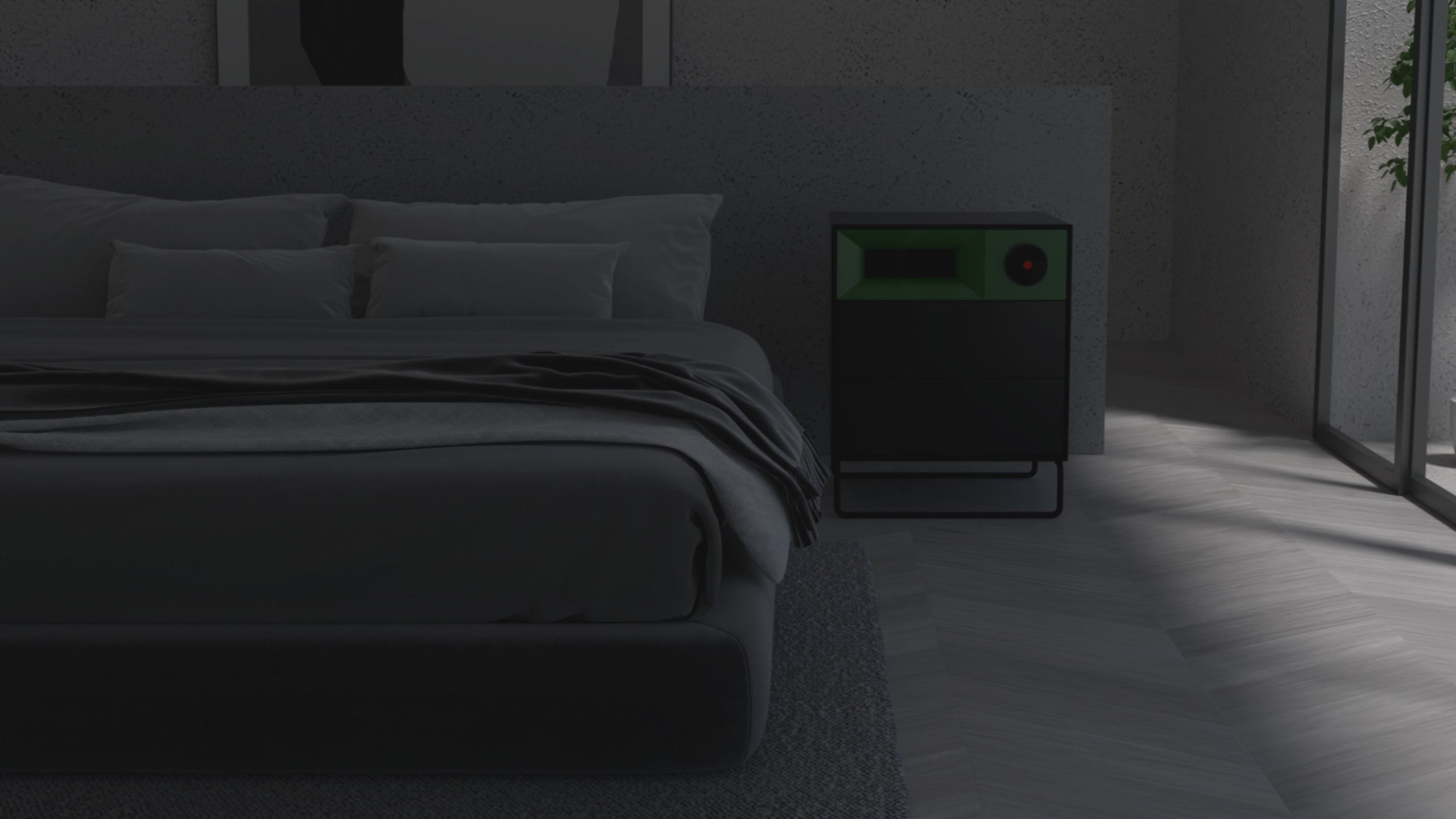
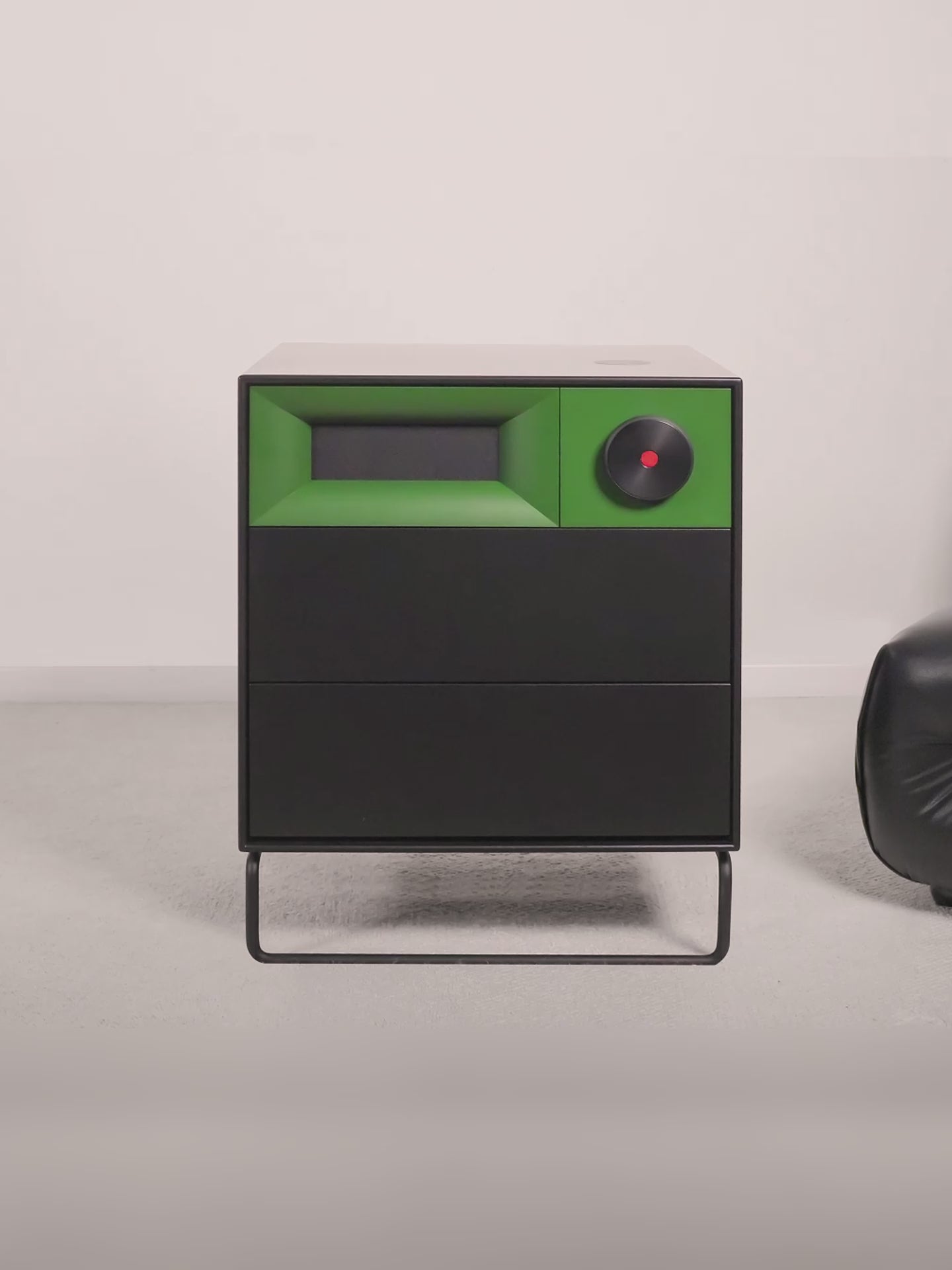
Built to live on your nightstand for years.
Solid materials, solid build.

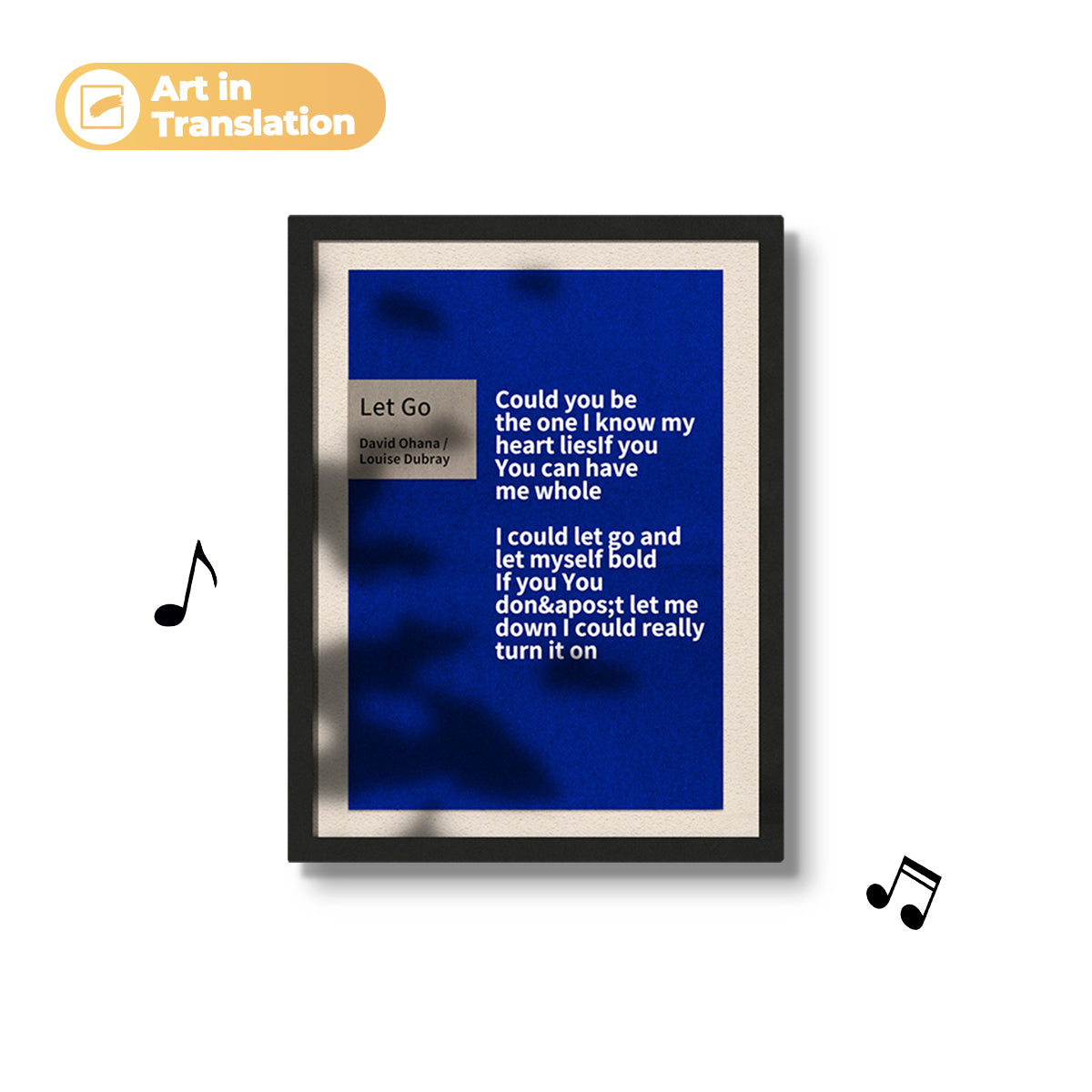
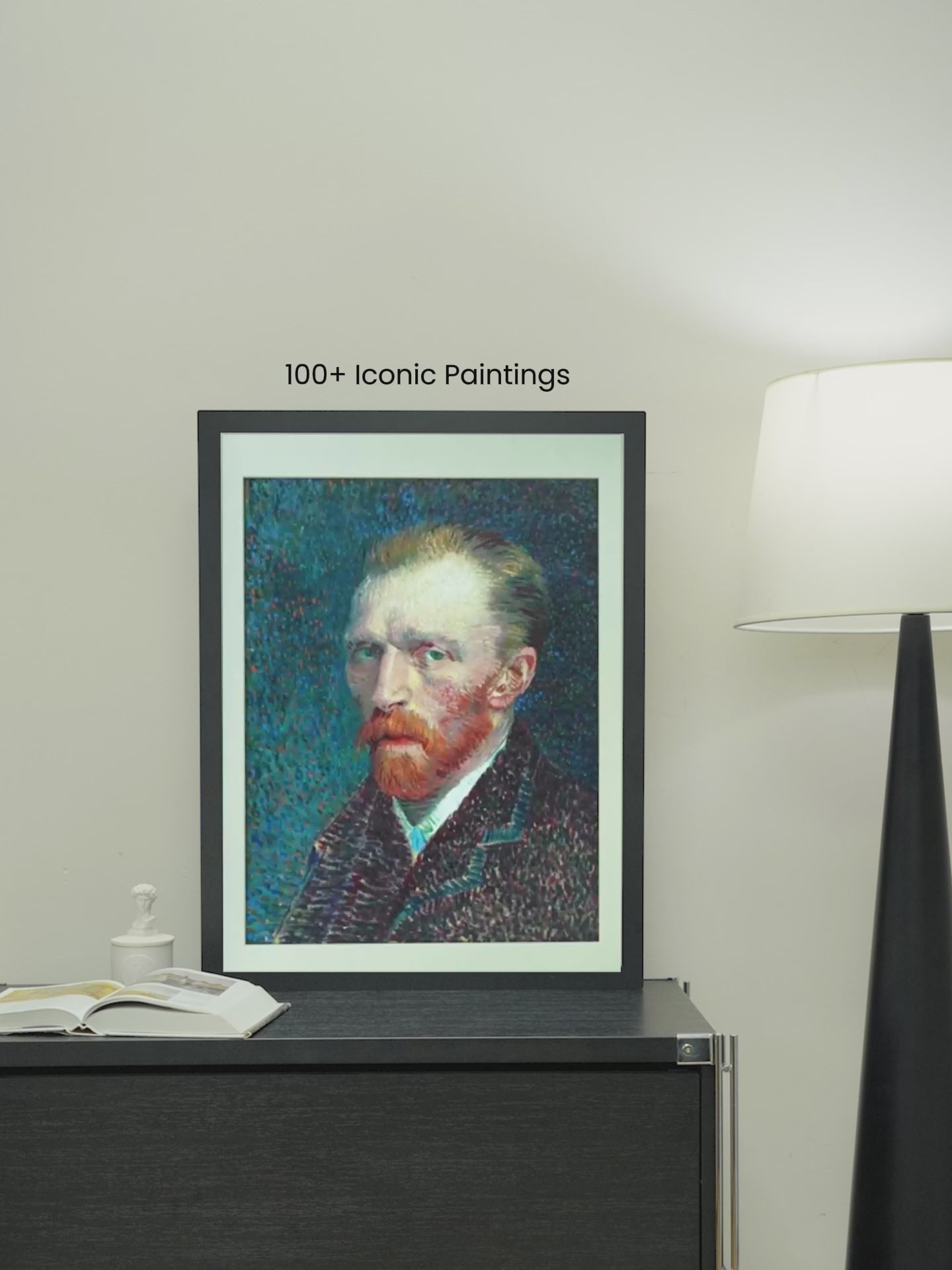
The world’s first frame-speaker T2
From travel to milestones to pets, file them into albums—your story, your tempo.

Praised by media and design circles
Aesthetic and functional, both approved
Trusted voices confirm T2 is more than beautiful—it’s beautifully useful.

R1 Specifications
888 × 600 × 370 mm (34.96 × 23.62 × 14.57 in) |
|
830 x 290 x 890 mm (32.6 × 11.42 × 35.04 in) |
|
14 Kg (30.9 lbs) |
|
100-240 VAC, 2.5 A Max, 50/60 Hz |
|
Wi-Fi (2.4GHz/5GHz, dual-band); Bluetooth (5.1 with BLE support) |
|
2.1 (Stereo) |
|
A2DP, AVRCP |
|
Ф324 mm Circular |
|
50-20,000 Hz |
|
1 x 6.5-inch Subwoofer Driver 2 x 105*50 mm Racetrack Midrange Drivers 2 x 3/4-inch Tweeter Drivers |
|
1 x 400 W Class D Subwoofer Amplifier 2 x 200 W Class D Midrange Amplifiers 2 x 150 W Class D Tweeter Amplifiers |
T2 Specifications
Add specification attributes to help your customers choose the most appropriate product or to share brand values.
641 × 491 × 54 mm (25.2 × 19.3 × 2.1 in) |
|
920 x 200 x 760 mm (36.22 × 7.8 × 29.9 in) |
|
10.7 kg (23.6 lbs) |
|
100-240 VAC 1.5 A Max 50/60 Hz |
|
Wi-Fi (2.4GHz/5GHz , dual-band); Bluetooth (5.0 with BLE support) |
|
2.1 (Stereo) |
|
4:3 |
|
TFT Panel |
|
650 ml |
|
70 dB/1 W@1 kHz |
|
90 Hz |
|
70 Hz-20 kHz |
S1 Specifications
Add specification attributes to help your customers choose the most appropriate product or to share brand values.
450 × 410 × 560 mm (17.72 × 16.14 × 22.05 in) |
|
19.5 kg (43.0 lbs) |
|
AC 120 V, 60 Hz, 2.5 A |
|
Wi-Fi (2.4GHz, single-band); |
|
Slow Mode DC 5 V, 1.1 A Max; |
|
DC 5 V, 2.0 A |
|
DC 5 V, 3.0 A / DC 9 V, 2.0 A / DC 12 V, 1.5 A |
|
15 W |
|
5 V / 2 A (Power Bank or Adapter) |
|
3-inch Mid-bass x 2, 1-inch Silk Dome Tweeter x 1 |
|
20 W x 2, 10 W x 1 |
|
50-20 KHz |
Frequently Asked Questions
Yes—this is exactly what it’s designed for.
This system is compact, flexible, and fits naturally into modern living spaces.
Yes, the Gallery T2 is compatible with all major music apps. For the best experience, we recommend using Spotify, Apple Music or Amazon Music.
You can follow steps below to display lyrics:
Ensure Bluetooth is connected to the device. Open and log in to the "MorningBlues App", then go to "Scene Lyrics". Play music from your chosen music app, and dynamic lyrics will appear on the device.
Yes, you need to connect the device to a power supply using the 2m power cord included in the package.
Be sure to watch the setup video here for step-by-step instructions on connecting your Bluetooth. Here are some steps:
1. Turn on the Cabinet S1;
2. Hold the "Previous Track" button on the side of the Cabinet S1 for 3-4 seconds until the tone "Pairing mode activated" is heard;
3. Go to Bluetooth settings on your phone: Settings > Bluetooth;
4. Make sure that Bluetooth is On;
5. Select Cabinet S1 from the list of available devices. If it doesn't appear, turn Bluetooth off and on again;
6. Follow the on-screen instructions to complete the pairing.
In addition, you can personalize your Cabinet S1 by customizing its Bluetooth name in the App, giving it a unique identity.
No, the Record R1 cannot be operated via touchscreen. However, you can remotely control the Record R1 using the MorningBlues app. Click here to learn more about the MorningBlues app.
A fingerprint can be added to the Smart Lock with these easy steps:
1. Ensure that your Cabinet S1 is paired and connected to your phone;
2. Open the MorningBlues app and connect it to your Cabinet S1;
3. In the MorningBlues app, go to Settings and tap the fingerprint icon in the upper right corner;
4. Set and verify the admin password;
5. Tap "Add a Fingerprint" and follow the instructions to complete the fingerprint enrollment.
Note: During the fingerprint enrollment process, ensure that your finger is placed flat and completely covers the fingerprint area. Keeping your finger dry and clean will make the enrollment easier.
Be sure to watch the setup video here for step-by-step instructions on connecting your Bluetooth device. Here are the steps:
1. Turn on the Record R1;
2. Go to Bluetooth settings on your phone: Settings > Bluetooth;
3. Make sure Bluetooth is enabled;
4. Select Record R1 from the list of available devices. If it doesn’t appear, turn Bluetooth off and on again;
5. Follow the on-screen instructions to complete the pairing.
In addition, you can personalize your Record R1 by customizing its Bluetooth name in the App, giving it a unique identity.
Be sure to watch the setup video for step-by-step instructions on connecting your Bluetooth. Here are some steps:
1. Turn on the Gallery T2;
2. Go to Bluetooth settings on your phone: Settings > Bluetooth;
3. Make sure that Bluetooth is On;
4. Select Gallery T2 from the list of available devices. If it doesn't appear, turn Bluetooth off and on again;
5. Follow the on-screen prompts to complete the pairing.
Please follow these steps to finish the activation of Record R1.
1. Plug in the power cord;
2. Hold the power button for 3 seconds to turn it on;
3. Follow the on-screen instructions to complete viewing the setup guide;
4. Download the "MorningBlues App" based on your phone’s operating system to unlock additional features;
5. Open the "MorningBlues App", register, and log in to your account;
6. Turn on Bluetooth on your phone;
7. Search for the "Record R1" device;
8. Follow the prompts on both the phone and the device to complete the Bluetooth pairing;
9. Return to the "MorningBlues App" and tap "Add Device", then select "Record R1";
10. Select "Record R1" to add it to "My Device";
11. Enter your Wi-Fi password to connect the device to your network;
12. Wait for activation to complete.
No, we recommend using a single phone to remotely control the Record R1, as this ensures you can fully enjoy all its features and have the best possible experience.
Yes, the Record R1 is compatible with all major music apps. For the best experience, we recommend using Spotify, Apple Music or Amazon Music.
You can follow steps below to display lyrics:
1. Ensure that your Record R1 is connected to your phone via Bluetooth.
2. Open and log in to the "MorningBlues App", then go to "Music".
3. Play a song from your chosen music app, and dynamic lyrics will appear on the device.
To maintain and clean your Record R1, use a soft, lint-free cloth to wipe the device’s surface. Avoid using harsh chemicals or abrasive materials that could damage the product.