









A1 + R1 Home Audio Bundle

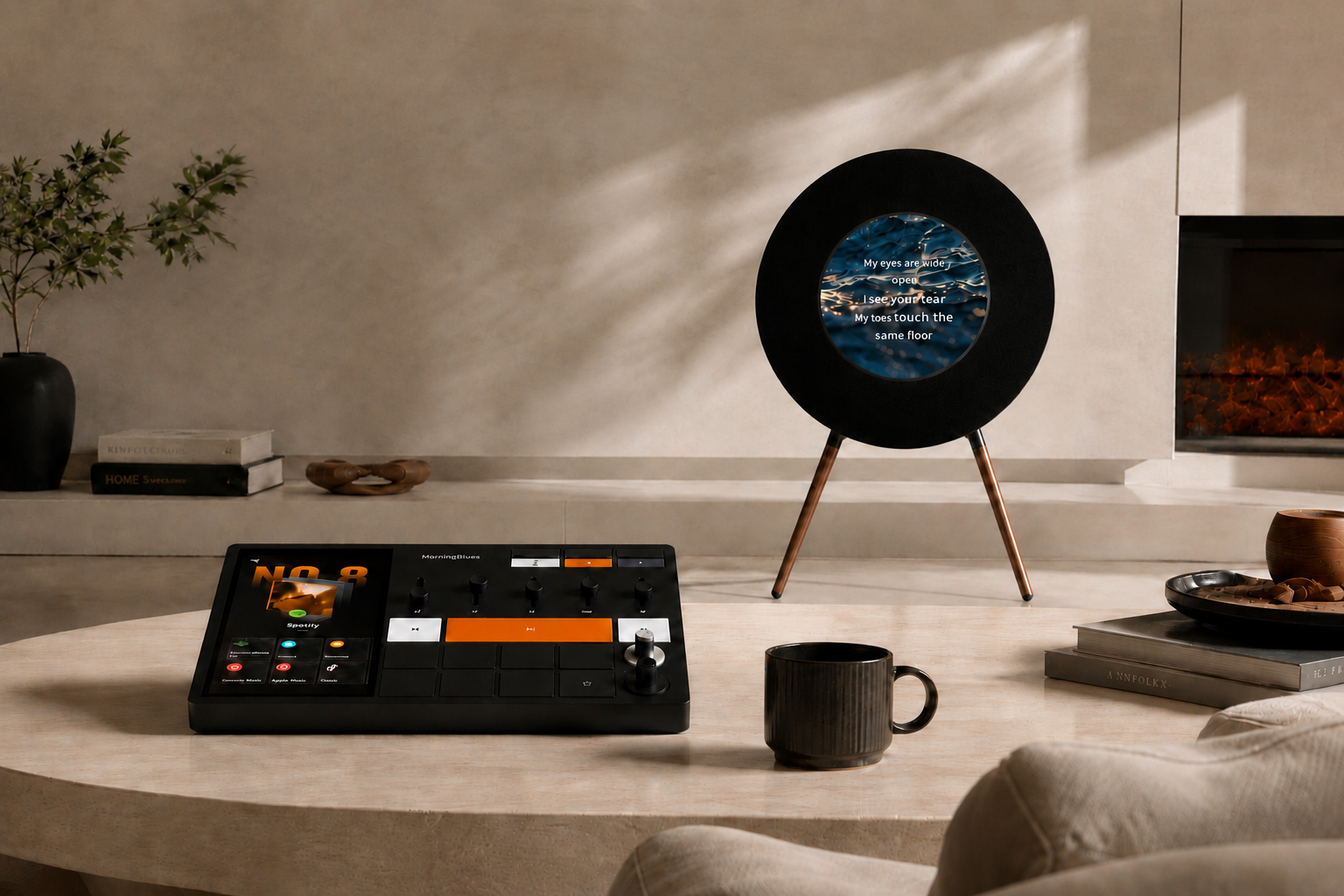
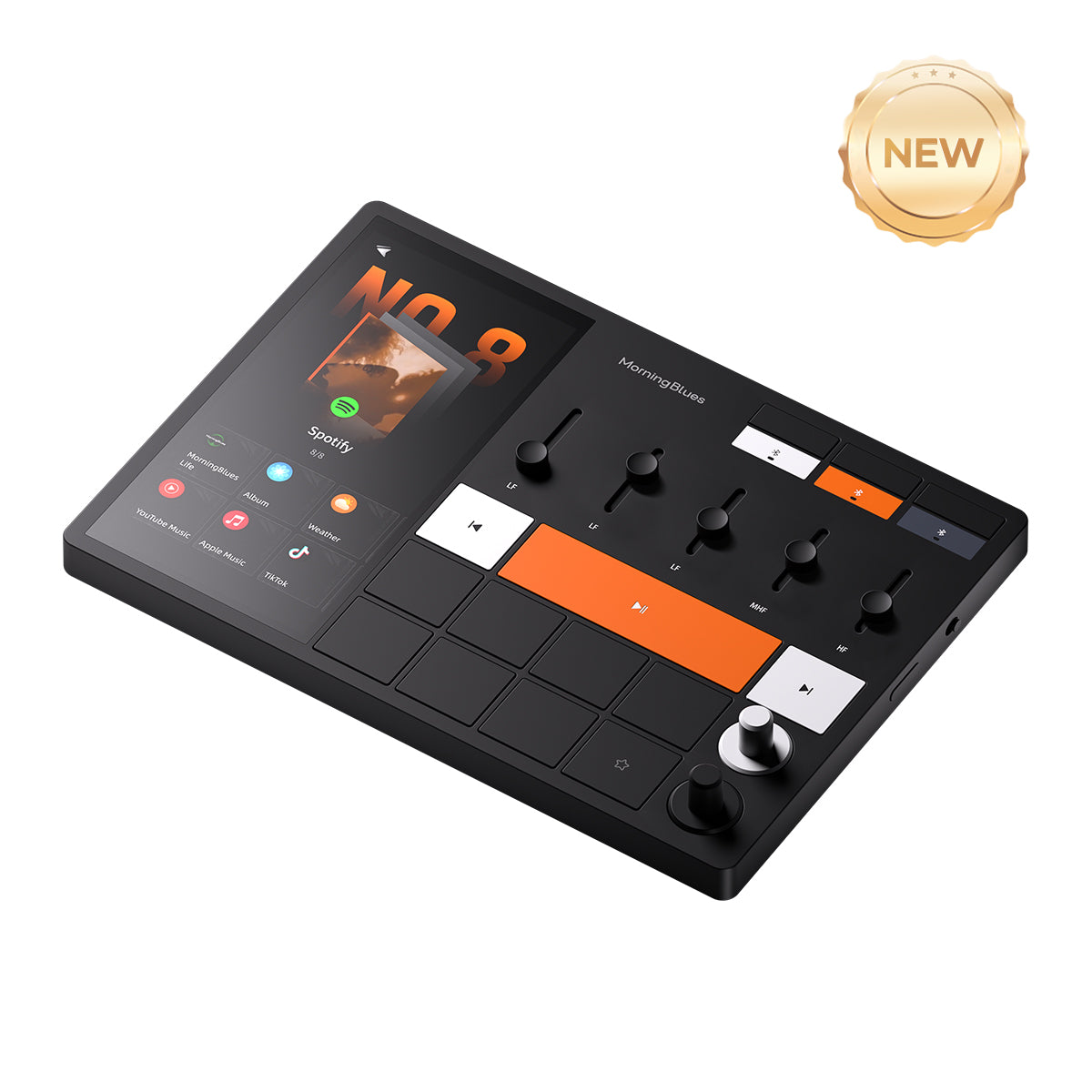
With Music Hub 1 providing dedicated physical controls, everyday listening can stay accessible without constantly returning to your phone.


Better Together.
Two Distinctive Music Experiences


- Designed to Stand OutTwo statement pieces that bring modern design and musical expression into your home.
- More Ways to Enjoy Your MusicCreate different listening atmospheres for different spaces, moods, and moments.
- A Thoughtful Gift for Music LoversAn exceptional pairing for anyone who appreciates beautiful design, immersive sound, and the joy of music.
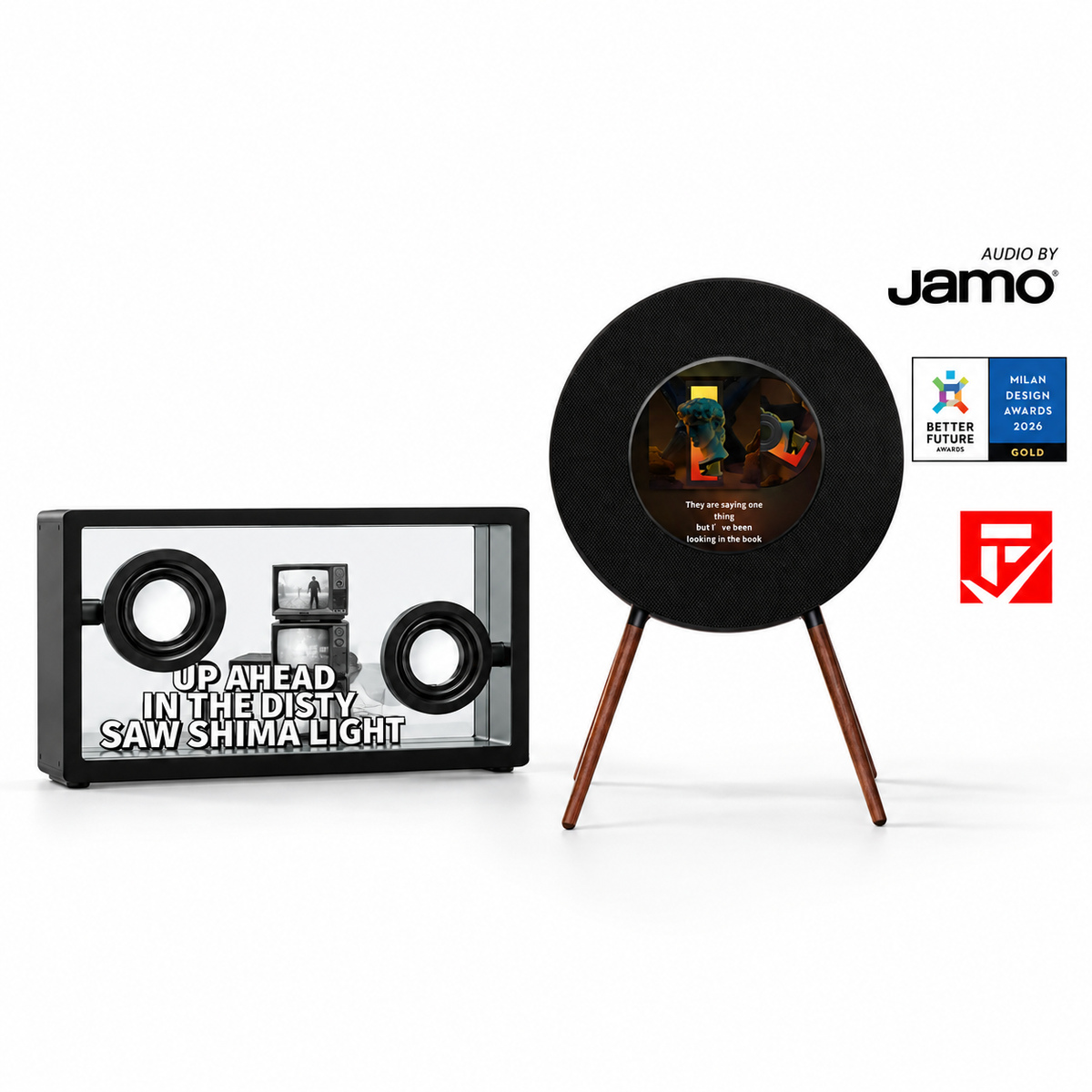
Enjoy the visual innovation of SonicGlass A1 alongside the timeless character of Record R1.

Meet Record R1
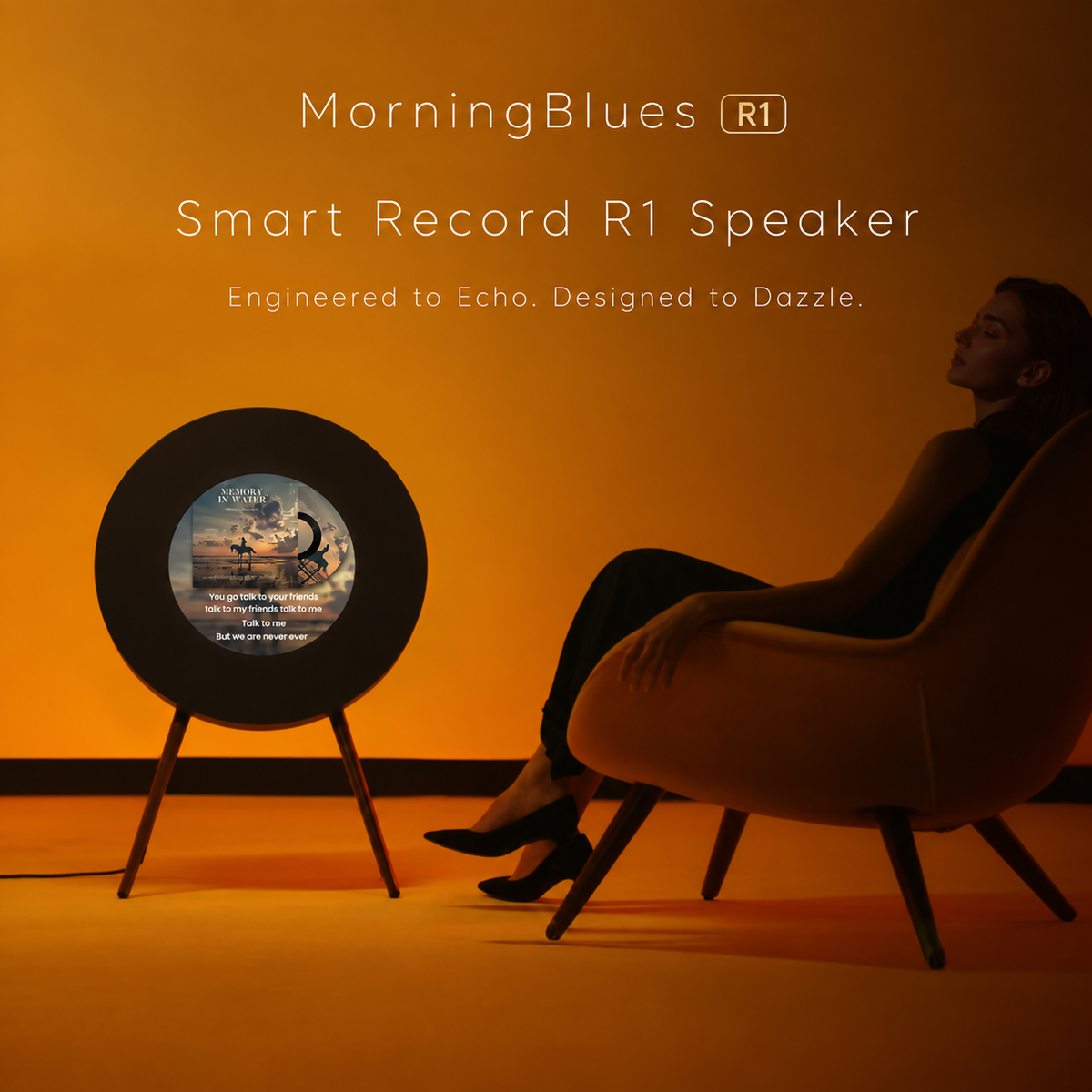
Where Hi-Fi Sound Meets Visual Music
Hi-Fi Sound by Jamo®
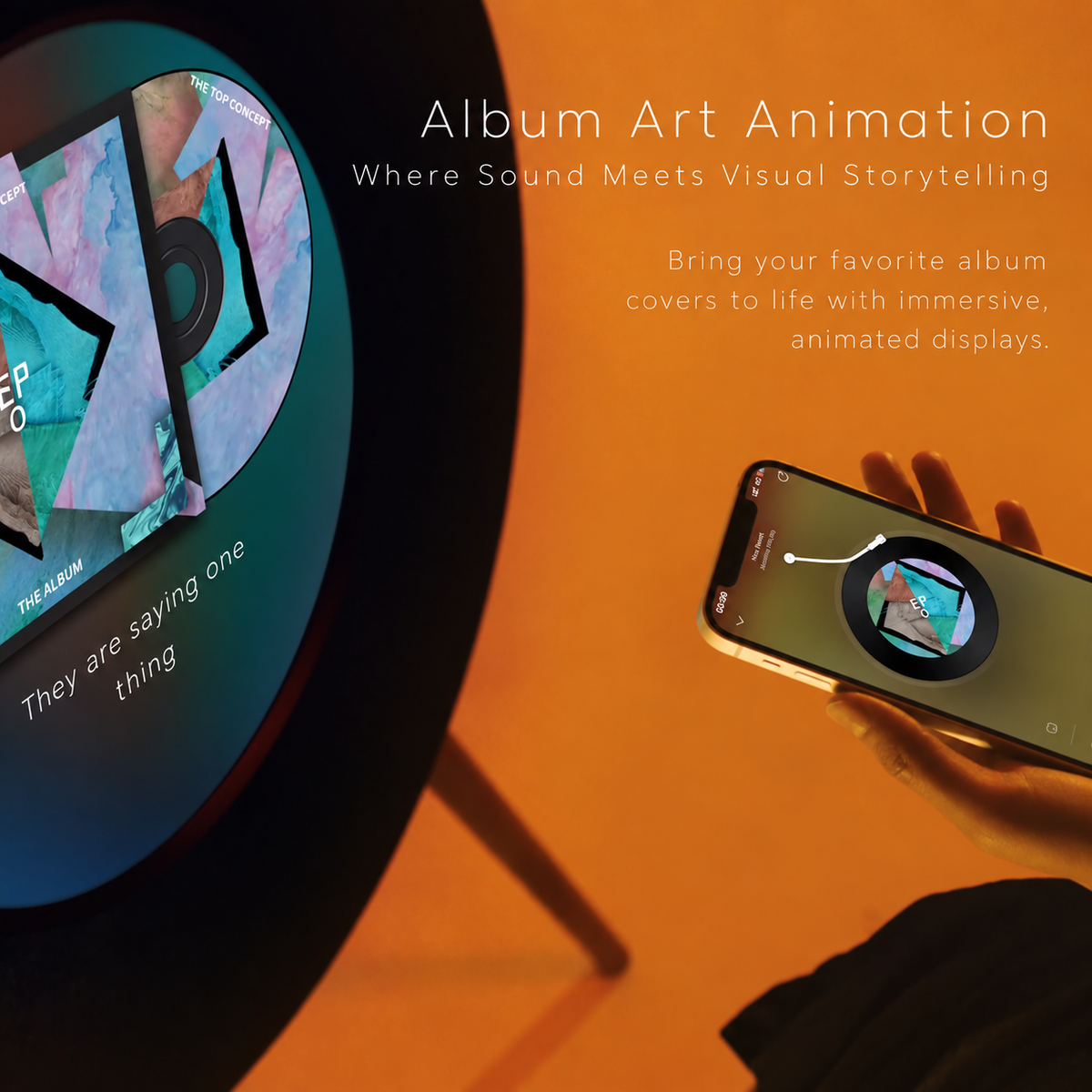
Animated lyrics. Anti-Glare Display
9 Dynamic Lyric Modes
3 Customizable Clock Styles
Not just something you hear — something you experience.
Serious Sound
Designed Like Art. Built Like Hi-Fi.
Tuned with Jamo. A five-driver 2.1 system with dedicated bass and crystal-clear vocals — sound that fills the room without filling the space.
Balanced detail. Beautiful to look at. Powerful to listen to.
- Audio by Jamo
- System Five-driver 2.1
- Low end Dedicated bass
- Midrange Clear vocals
Furniture First
The Speaker That Finishes The Room.


- SilhouetteInspired by the timeless form of a vinyl record
- LegsSolid walnut
- BodyPremium acoustic fabric
- DisplayAnti-glare circular screen
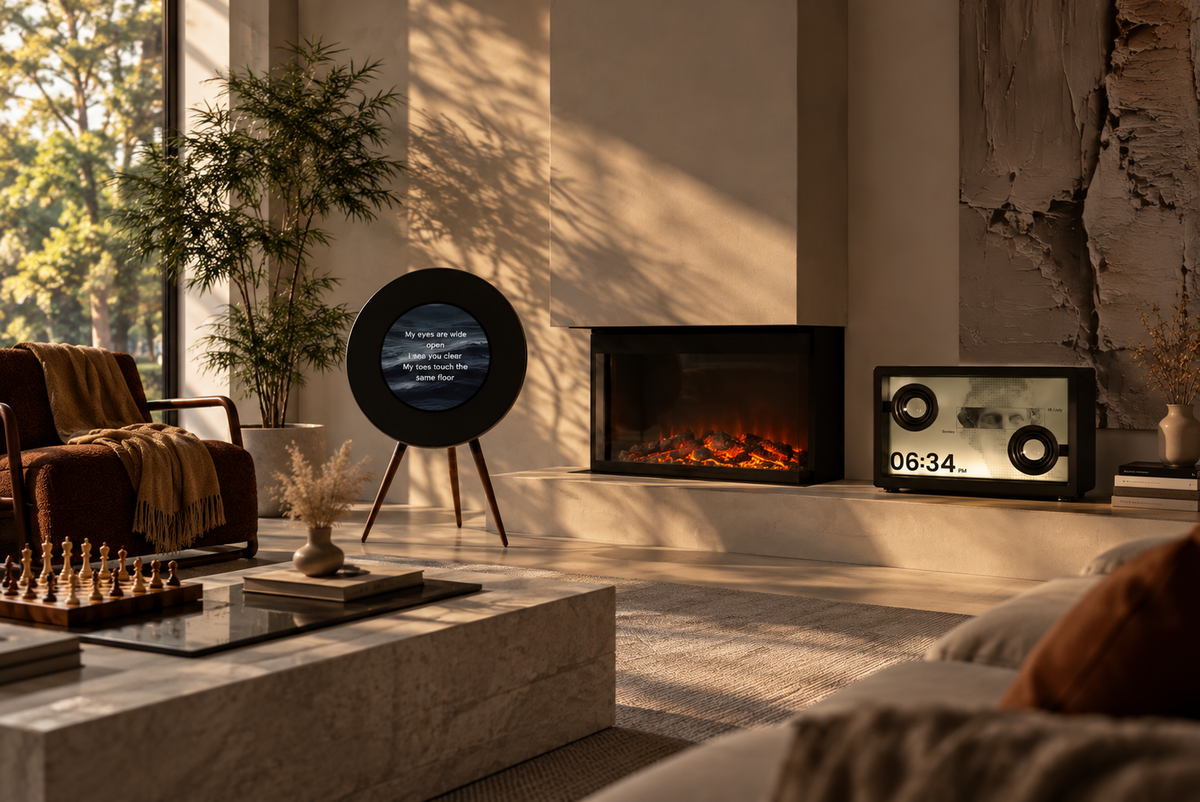
Designed to belong in your home — not hide inside it.

Meet SonicGlass A1

Meet SonicGlass A1
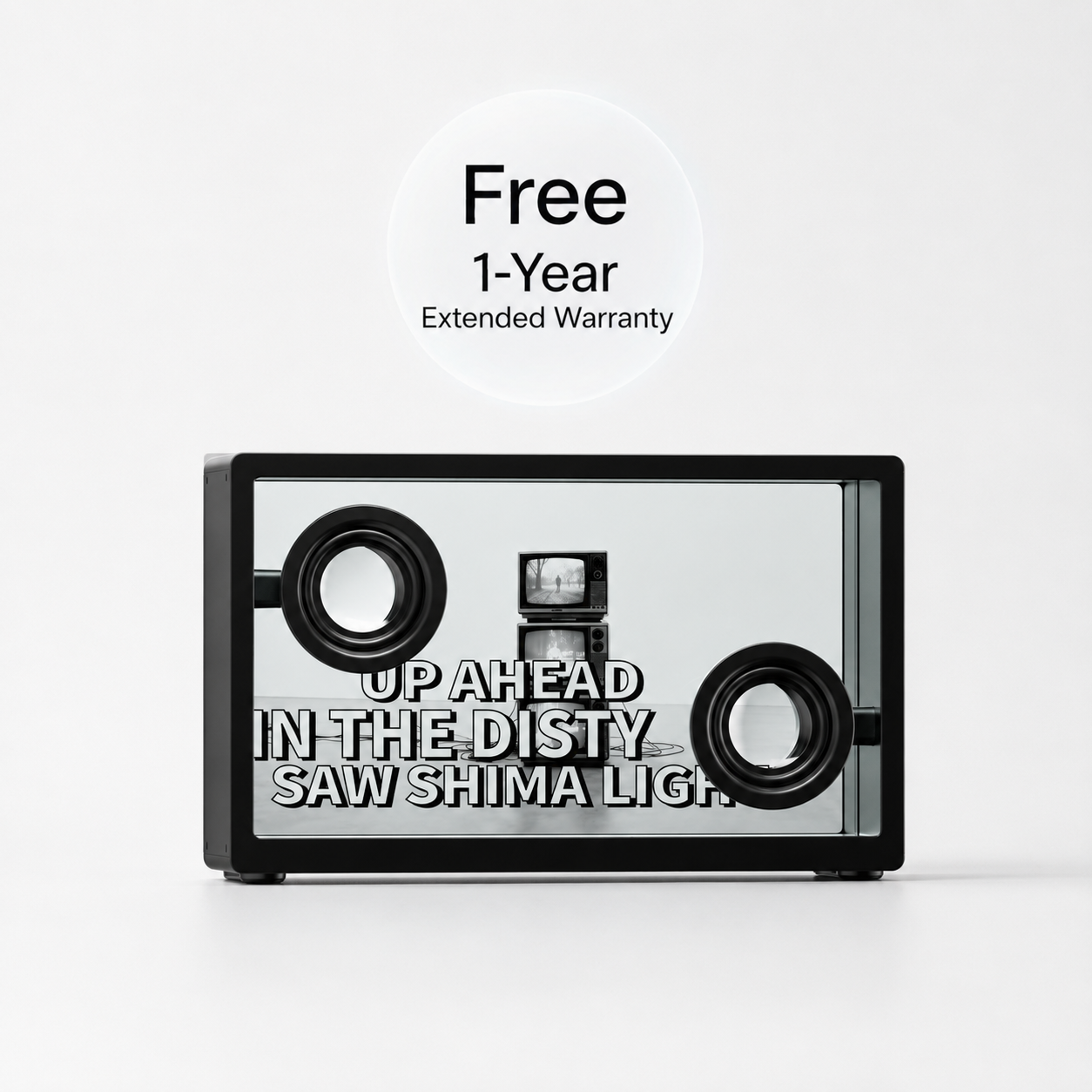
Floating Lyrics. Captivating Visuals.
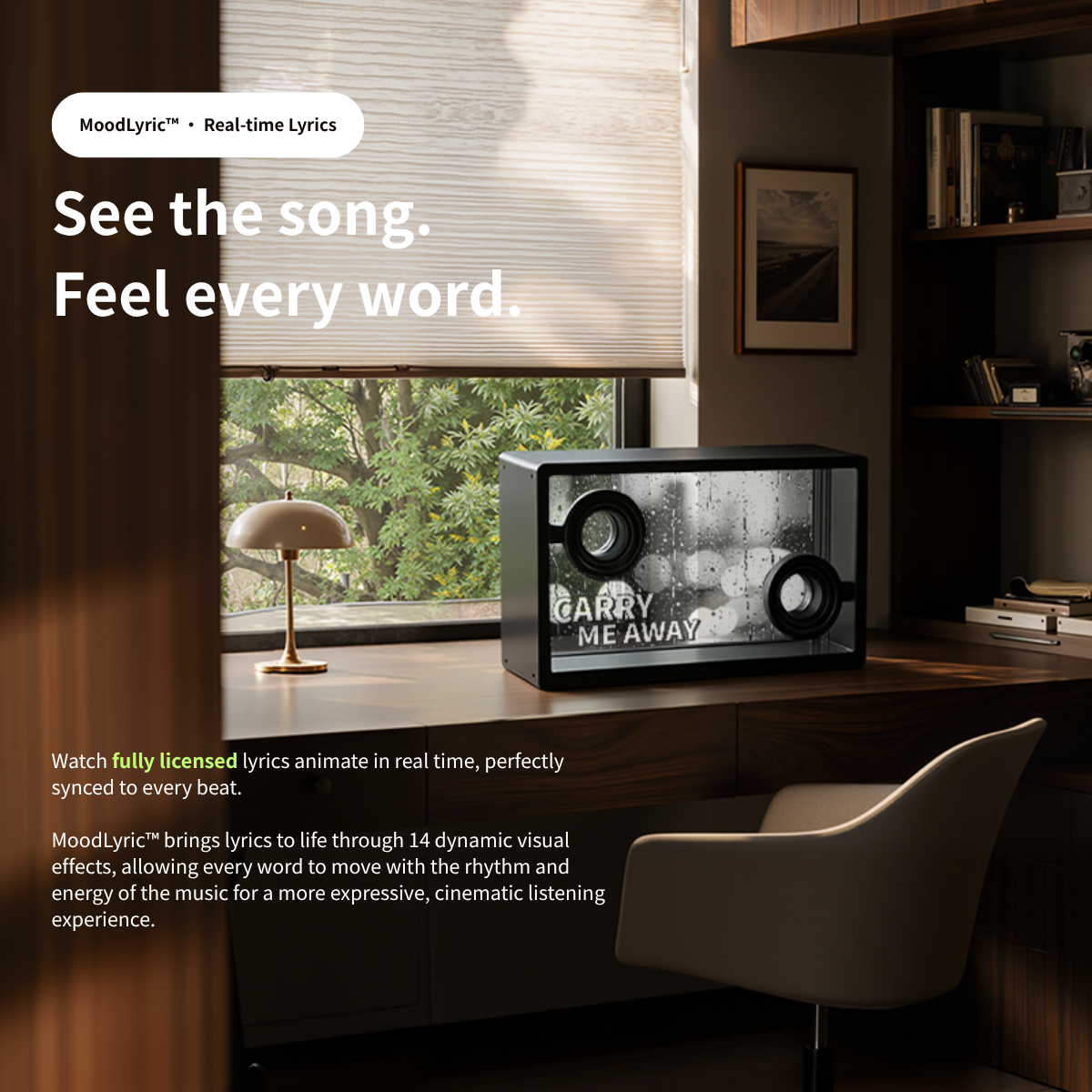
Its transparent display brings lyrics and music-inspired visuals into view, creating a striking centerpiece that adds a new dimension to every listening session.
Press Play. Stay in the Moment.
-
Start the soundtrack for your morning, afternoon or evening.

-
Listen with Hi-Fi sound while album artwork and dynamic lyrics add another dimension to the experience.

-
Adjust, switch and shape your listening experience through tactile controls without constantly returning to your phone.


Start the soundtrack for your morning, afternoon or evening.
Everything You Need to Start
What's Include


- LegsMorningBlues SonicGlass A1 Speaker x1
- MorningBlues Record R1 × 1
Specifications
MorningBlues |
|
MBSSP02 |
|
888 × 600 × 370 mm (34.96 × 23.62 × 14.57 in) |
|
830 x 290 x 890 mm (32.6 × 11.42 × 35.04 in) |
|
14 Kg (30.9 lbs) |
|
100-240 VAC, 2.5 A Max, 50/60 Hz |
|
Wi-Fi (2.4GHz/5GHz, dual-band); Bluetooth (5.1 with BLE support) |
|
2.1 (Stereo) |
|
A2DP, AVRCP |
|
Ф324 mm Circular |
|
50-20,000 Hz |
|
1 x 6.5-inch Subwoofer Driver 2 x 105*50 mm Racetrack Midrange Drivers 2 x 3/4-inch Tweeter Drivers |
|
1 x 400 W Class D Subwoofer Amplifier 2 x 200 W Class D Midrange Amplifiers 2 x 150 W Class D Tweeter Amplifiers |
Specifications
220mm × 156mm × 22mm |
|
290mm × 200mm × 86mm |
|
0.445 kg |
|
1m |
|
BT 5.3 |
|
Wi-Fi 6 (Dual-band) |
|
DC 5V/3A, DC 9V/2.22A, DC 12V/1.67A |
|
9V |
|
2A |
Frequently Asked Questions
No. You don’t need a separate app to just play music — connect to your Wi-Fi, sign in to your favorite music apps directly on the screen, and start playing.
Why not just use my phone or tablet to play music?
What music apps can I use?
Do I need Wi-Fi?
Which speaker brands does it work with?
Why not just use my phone or tablet to play music instead of the Music Hub1?
What is the battery life of the Music Hub, and how do I charge it?
Customer Reviews
5.00 out of 5Based on 4 reviews40000Write a reviewSort byMost RecentHighest RatingLowest RatingOnly PicturesPictures FirstVideos FirstMost Helpful06/08/2026Ava56good hub
I am very satisfied with the product; the build quality is excellent, and the system runs smoothly without lag. It's great.
>>MorningBluesreplied:
Hi, many thanks for taking the time to share your feedback. Your satisfaction is what we always strive for. If you need anything in the future, feel free to contact us anytime.
05/31/2026Lisa WilsonThis player is quite nice; it pairs really well with my home audio system. It's very convenient t...
This player is quite nice; it pairs really well with my home audio system. It's very convenient to use—I no longer have to juggle my phone just to switch tracks.
>>MorningBluesreplied:
Hi Lisa, thank you so much for your lovely review. We really appreciate your support and trust. It’s great to know you are happy with your purchase. We hope you enjoy the product and look forward to serving you again soon.
05/20/2026Robert DavisI recommend
Excellent. It perfectly resolves the issue of music playback being interrupted by phone calls or other notifications when using a mobile phone. The device itself is also exquisitely crafted and blends in seamlessly with the home environment.
>>MorningBluesreplied:
Hi Robert, we are very thankful for your generous support and lovely review. We truly care about every user’s real experience after using our products. We will keep bringing more practical and high-quality products to repay your love and support. Hope to serve you again soon!
05/18/2026Sarah Elizabeth CarterGreat Product!
An excellent playback hub that effectively resolves various interference issues with mobile phones, delivers great sound quality, and offers seamless Bluetooth connectivity.
>>MorningBluesreplied:
Hi Sarah, many thanks for leaving such wonderful feedback for us. We deeply value every customer’s shopping experience and always take customer satisfaction as our main working direction. It is really a great pleasure that our products have lived up to your expectations. We will keep maintaining stable product quality and efficient customer service all the time. Wish you a happy life and smooth everything!
Join Our List
Keep in touch with MorningBlues
I agree to privacy policy and consent to receiving marketing communication.
Products
- SonicGlass A1
- Headphones X1
- Portrait T2
- Record R1
- Nightstand S1
- Music Hub
- Microphones
- Lifestyle Audio Setup
About
Policy
Support
Quick links
MorningBlues Technology Limited
Hing Yip Street, Kwun Tong, Kowloon, Hong Kong
App Download
Privacy PolicyTerms & ConditionsIntellectual Property Rights
Copyright © 2026 MorningBlues Technology Limited All Rights Reserved.
ChatGPT for ShopifyReviews4Help
Because when you rely on your phone/tablet:
●Incoming calls pause your music
●Switching apps often interrupts playback
●Distance and Bluetooth limits cause dropouts
●Your phone is busy with other tasks
Music Hub keeps your audio playing steadily in the background — your device can do other things, music doesn’t stop.
Most major music services you already use on Android are supported —
Spotify, YouTube Music, Pandora, Tidal, Amazon Music, Apple Music (via sideload or web), etc.
Yes — it connects to your home Wi-Fi so it can run apps natively and stream reliably.
No additional downloads are required on your phone.
It’s designed to be brand-agnostic — it works with:
●Bluetooth speakers of any brand
●Wi-Fi connected speakers
●Multi-room setups
●Any speaker that supports 3.5mm line-in, Bluetooth, or network audio
No Sonos-only or Bose-only ecosystem lock-in — huge plus for diverse audio setups.
Because when you rely on your phone/tablet:
●Incoming calls pause your music
●Switching apps often interrupts playback
●Distance and Bluetooth limits cause dropouts
●Your phone is busy with other tasks
Music Hub keeps your audio playing steadily in the background — your device can do other things, music doesn’t stop.
The Music Hub provides up to 40 minutes of continuous playback when connected to speakers. For extended listening sessions, we recommend using the included charger and 1‑meter Type‑C cable to keep it powered during use. This ensures uninterrupted control and supports long‑term battery health.
Record R1 is well suited for a variety of vinyl listening spaces, including:
Living room setups
Fills the space with balanced, room-friendly sound while complementing modern interiors.
Audiophile vinyl stations
Delivers clear stereo imaging and detailed playback that lets records sound warm and expressive.
Small studio stereo setups
Provides accurate, immersive sound for focused listening in compact creative spaces.
The dimensions of the Record R1 are: 888 × 600 × 370 mm (34.96 × 23.62 × 14.57 in), and the net weight is 14 KG.
No, the Record R1 cannot be operated via touchscreen. However, you can remotely control the Record R1 using the MorningBlues app. Click here to learn more about the MorningBlues app.
No, the Record R1 does not support image uploads. For users seeking a product with image upload capabilities, we recommend the Gallery T2. It offers features such as private albums, shared albums, a photo wall, and video uploads. Click here to explore more about the Gallery T2.
Be sure to watch the setup video here for step-by-step instructions on connecting your Bluetooth device. Here are the steps:
1. Turn on the Record R1;
2. Go to Bluetooth settings on your phone: Settings > Bluetooth;
3. Make sure Bluetooth is enabled;
4. Select Record R1 from the list of available devices. If it doesn’t appear, turn Bluetooth off and on again;
5. Follow the on-screen instructions to complete the pairing.
In addition, you can personalize your Record R1 by customizing its Bluetooth name in the App, giving it a unique identity.
Here's how to troubleshoot the Bluetooth connection between your Record R1 and your Phone.
Check the location
Ensure both devices are within 15 meters of each other. Avoid placing them near other Bluetooth devices, microwaves, wireless routers, or electronics that may interfere with the signal.
Check the sound settings
Go to your phone’s Settings > Bluetooth, and select the Record R1.
Check the volume
1. Ensure both devices are charged and powered on;
2. Increase the volume on both your Record R1 and your phone.
Use Forget Device, then pair your Record R1 again
1. Disconnect your Record R1, go to Settings > Bluetooth on your phone, tap the Info button next to the Record R1 name, and select Forget This Device;
2. Pair your Record R1 again.
Reset your Record R1, then pair them again
Restore factory settings on your Record R1, then re-pair it with your phone. Note: this will erase all data on the Record R1.
Please follow these steps to finish the activation of Record R1.
1. Plug in the power cord;
2. Hold the power button for 3 seconds to turn it on;
3. Follow the on-screen instructions to complete viewing the setup guide;
4. Download the "MorningBlues App" based on your phone’s operating system to unlock additional features;
5. Open the "MorningBlues App", register, and log in to your account;
6. Turn on Bluetooth on your phone;
7. Search for the "Record R1" device;
8. Follow the prompts on both the phone and the device to complete the Bluetooth pairing;
9. Return to the "MorningBlues App" and tap "Add Device", then select "Record R1";
10. Select "Record R1" to add it to "My Device";
11. Enter your Wi-Fi password to connect the device to your network;
12. Wait for activation to complete.
Yes, the R1 features a circular record-inspired design with Bluetooth audio playback.
No, we recommend using a single phone to remotely control the Record R1, as this ensures you can fully enjoy all its features and have the best possible experience.
Yes, the R1 is designed to look like a modern record player while functioning as a Bluetooth speaker.
Yes, the Record R1 is compatible with all major music apps. For the best experience, we recommend using Spotify, Apple Music or Amazon Music.
You can follow steps below to display lyrics:
1. Ensure that your Record R1 is connected to your phone via Bluetooth.
2. Open and log in to the "MorningBlues App", then go to "Music".
3. Play a song from your chosen music app, and dynamic lyrics will appear on the device.
To maintain and clean your Record R1, use a soft, lint-free cloth to wipe the device’s surface. Avoid using harsh chemicals or abrasive materials that could damage the product.